
Instructions
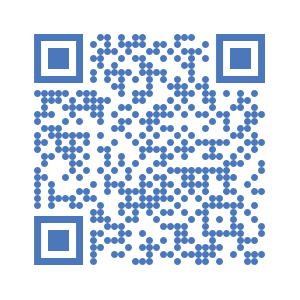
- Scan the QR Code or click on Download to Install the Digital Job Card on your Android device.
- Click on to open settings on the top left corner.
- Enter the server URL https://kc.unitac-hamburg.com and your username and password
- Open "Get My Jobs" and select this project.
- Open "Start a New Job Card"
APK version: 1.0.0 | Size: ~25 MB | Updated: 2025-01-15
SHA256:
📥
DOWNLOAD
SHA256:
(provide after next build)
iOS status
iOS app is not yet available. Please use the web app on iOS for now.
Troubleshooting
- Cannot install APK: enable “Install unknown apps” for your browser/File Manager.
- Cannot log in: verify server URL https://kc.unitac-hamburg.com and credentials.
- Sync fails: check connectivity, then retry “Get My Jobs”.
Release notes (last 3)
- v1.0.0 – Initial public build (APK)
- v0.9.2 – Sync stability fixes
- v0.9.1 – UI polish and QR install guide